Virtualization is a core part of modern IT because it reduces hardware costs, improves server utilization, and simplifies workload management across physical and virtual systems. The best choice usually comes down to whether your organization wants open-source flexibility or tighter Microsoft ecosystem integration.
Proxmox vs Hyper-V
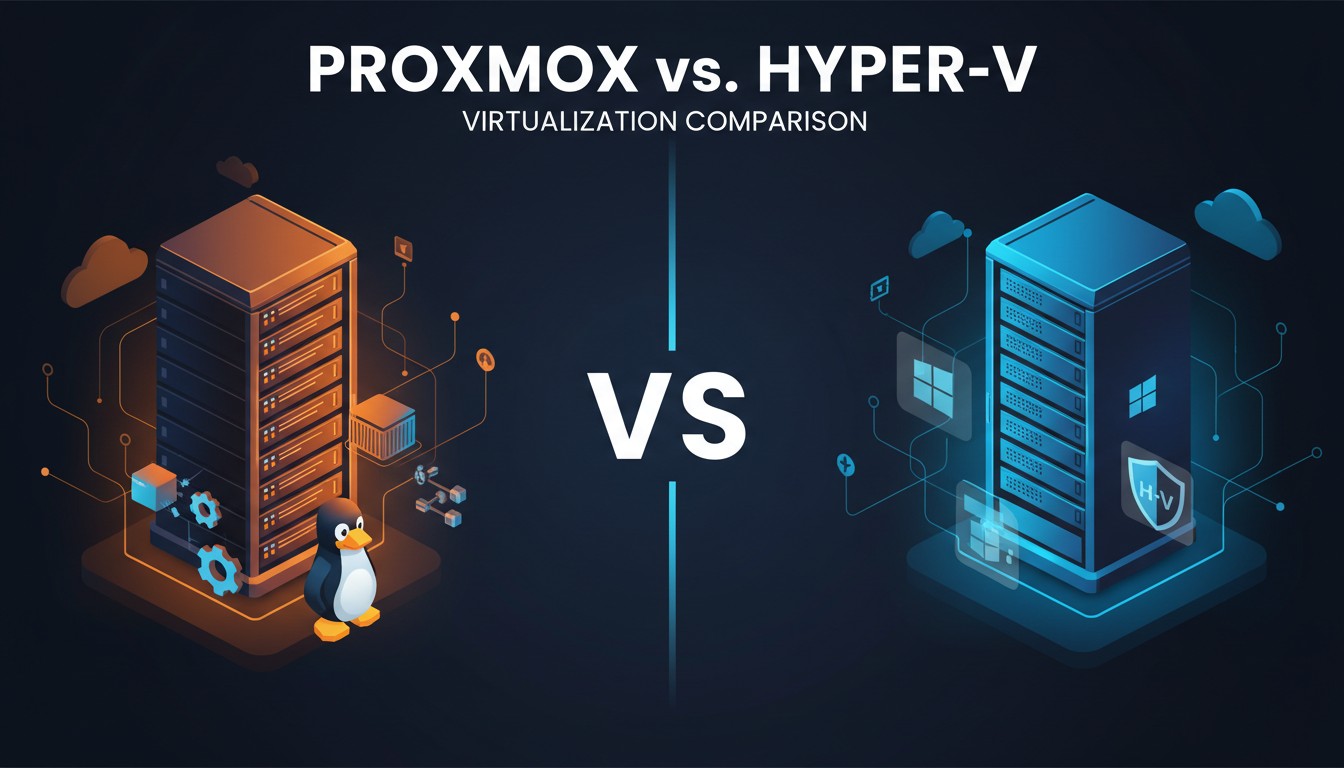
Proxmox is an open-source virtualization platform built on Debian Linux that combines KVM and LXC for flexible VM and container management, while Hyper-V is Microsoft’s virtualization solution designed to work best within Windows Server and Microsoft-centric environments. The main difference is that Proxmox provides greater open-source flexibility, strong Linux and container support, and built-in clustering and backup features, whereas Hyper-V offers tight integration with Active Directory, Windows administration tools, and the broader Microsoft ecosystem.
Both platforms can deliver strong performance when configured properly, and in most cases the bigger difference comes down to how well they fit into day-to-day operations rather than raw speed. Proxmox provides a clean, centralized web interface for managing clusters, storage, backups, virtual machines, and containers all in one place. In contrast, Hyper-V is managed through Microsoft tools, making it especially convenient for administrators already working within the Windows environment.
Cost is often a major factor when comparing these platforms. Proxmox does not require a license for its core functionality, making it an attractive option for teams aiming to reduce recurring software costs. Hyper-V pricing depends on existing Microsoft licensing, which can make it a practical choice for organizations already standardized on Microsoft products, even though it may not always be the lowest-cost option overall.
Which One Should You Choose?
Choose Proxmox if you want open-source virtualization, strong Linux support, built-in container features, and a lower-cost path to enterprise-style virtualization. It is a strong fit for technical teams, small businesses, home labs, and mixed environments.
Choose Hyper-V if your organization is already deeply invested in Microsoft technologies and wants a platform that matches that environment. It is especially well suited to Windows-based infrastructure and teams that prefer Microsoft-native management workflows.
It doesn’t matter which platform you choose as long as you validate your migration. Storage Guardian’s VMware to Alternate Location Validation Tool adds an important migration lesson, a migration should be validated before and after the move, not judged only by whether the transfer completed. The tool is designed to validate and assess migration strategies, support VMware to Hyper-V and BDR-to-BDR migrations, and preserve existing retention policies while securely extracting customer data.
It also uses native VMware restore workflows, handles large-scale environments with multiple backup sets, and identifies long-standing retention points to help align migration timelines with customer contracts. In addition, its SaaS-based licensing model reduces legacy software overhead, and its pre-migration VM validation helps verify workloads before they are moved onto the network to reduce failures and BSOD risk.
At Storage Guardian, we have spent years helping customers design and implement migration strategies that prioritize reliability and data integrity. Our approach focuses on thoroughly validating workloads both before and after migration, ensuring organizations can trust that their systems and data have been transferred accurately. By incorporating a two-step validation process into their migration strategy, organizations can significantly reduce risk and increase the likelihood of a successful outcome.


