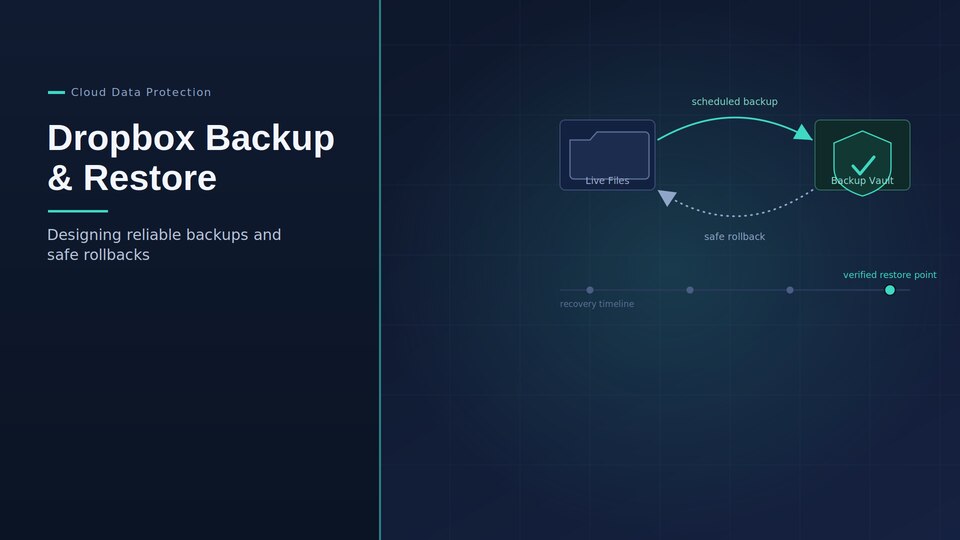
As organizations increasingly rely on cloud platforms such as Dropbox for business-critical files, having a reliable Dropbox backup and restore strategy is essential. While Dropbox provides built-in collaboration and file recovery capabilities, businesses need an independent backup solution to protect against accidental deletion, ransomware, data corruption, and other unexpected events.
A well-designed backup process should go beyond simply copying files. It should provide scheduled backups, reliable initial data fetching, secure restores, rollback capabilities, and flexible recovery locations.
1. Start with a Reliable Dropbox Backup Schedule
A dependable Dropbox backup solution begins with a clearly defined backup schedule. Organizations should determine how frequently data changes and select backup intervals that provide an appropriate balance between recovery point objectives (RPO) and system resources.
For critical business data, frequent automated backups can help minimize potential data loss. The backup process should also track completed jobs and provide clear visibility into failures or incomplete operations.
With Storage Guardian, backup workflows can be designed around the customer's environment and data protection requirements, helping organizations maintain consistent protection without relying solely on manual backups.
2. Handle the Initial File Fetch Carefully
The first Dropbox backup can involve a significant amount of data. Downloading the complete dataset at once may create unnecessary resource consumption or increase the likelihood of interrupted operations.
A better approach is to use controlled initial file fetching, followed by incremental processing. Once the initial dataset has been secured, subsequent backup jobs can focus on newly created or modified files.
This approach can make Dropbox backup operations more efficient while providing a more predictable backup experience.
3. Use Veeam API Integration for Backup Management
Integrating Dropbox protection with Veeam can provide organizations with a centralized approach to managing backup data. API-based integration can help automate communication between the cloud source and the backup platform while reducing reliance on manual processes.
A properly designed integration should account for authentication, file metadata, backup status, error handling, and job completion. It should also ensure that backup operations can resume safely if an interruption occurs.
Storage Guardian's experience with Veeam backup environments allows organizations to incorporate cloud data protection into broader backup and disaster recovery strategies.
4. Design Rollbacks for Safety
A restore process should never assume that replacing production data is automatically safe.
Before performing a rollback, the system should verify the selected recovery point and clearly identify the files that will be restored. Where possible, restore operations should be designed to avoid overwriting current production data until the recovery has been validated.
This is particularly important when recovering from accidental deletion, corrupted files, or ransomware incidents.
A controlled rollback process gives administrators an opportunity to confirm that the recovered data is correct before making it authoritative.
5. Support Alternate Restore Locations
One of the most valuable features of a modern Dropbox restore solution is the ability to restore data to an alternate location.
Instead of immediately restoring files over the original Dropbox directory, administrators can restore them to a separate location for verification. This can be useful when investigating a security incident or determining which version of a file should become the production copy.
Alternate-location restores can therefore provide an additional layer of operational safety and flexibility.
6. Move Away from Legacy Restore Architecture
As backup platforms evolve, legacy restore mechanisms can become unnecessary sources of complexity. A Dropbox restore process based on older SignalR-based communication may be replaced with a more streamlined architecture that relies on the modern backup platform and Veeam APIs.
Removing obsolete components can simplify maintenance, reduce potential points of failure, and create a more consistent backup and recovery workflow.
Storage Guardian: A Practical Approach to Cloud Data Protection
Storage Guardian helps businesses strengthen their backup, disaster recovery, and data protection strategy by combining backup technologies with managed IT and cybersecurity services.
For Dropbox environments, the goal is not simply to create another copy of business data. The objective is to establish a complete protection workflow covering scheduled backups, initial synchronization, Veeam integration, recovery validation, safe rollbacks, and alternate restore options.
By designing the process around reliability


