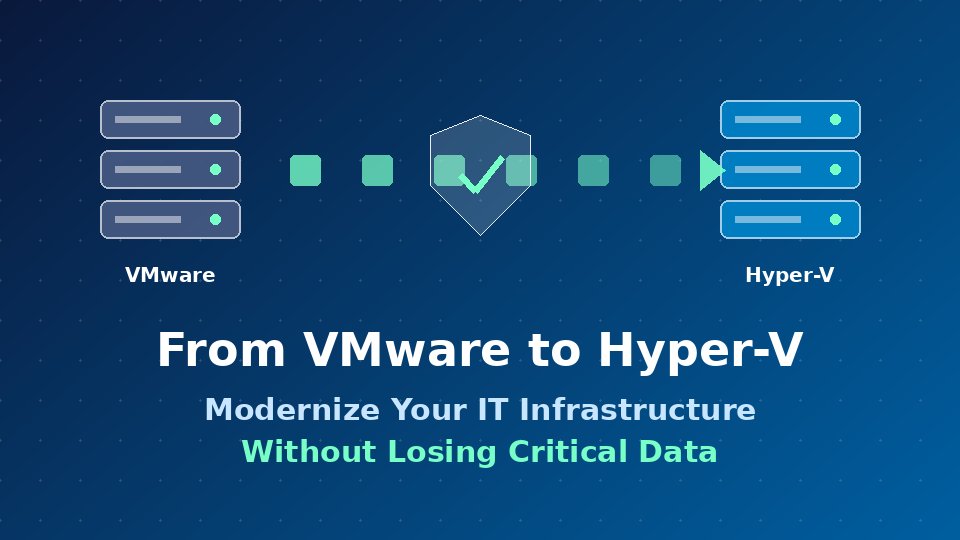
From VMware to Hyper-V: How to Modernize Your IT Infrastructure Without Losing Critical Data

November 6, 2026

Why Organizations Are Moving From VMware to Hyper-V?

A VMware to Hyper-V migration is now a top priority for many IT teams. Licensing changes, rising virtualization costs, and the appeal of a platform that fits neatly into the Microsoft ecosystem are pushing businesses to rethink their hypervisor strategy.

The business case is easy to make. The challenge is execution: moving production workloads without downtime, corruption, or data loss. This guide explains how to modernize your IT infrastructure with confidence, and where Storage Guardian fits in.

The Real Risk: Data Loss During Migration

Hypervisor conversion touches everything: virtual disks, snapshots, configurations, and the storage underneath them. A single failed conversion or interrupted transfer can leave you with corrupted virtual machines (VMs) and no clean way back.

For most businesses, the cost of that failure goes far beyond IT hours. Lost transactions, missed SLAs, and compliance exposure can all follow. That is why a data protection strategy should come before the first VM moves, not after.

Common VMware to Hyper-V Migration Pitfalls

Before planning your move, watch for these frequent problems:

  • No verified backups. Teams assume backups work without testing a restore.
  • Format incompatibility. VMDK files must be converted to VHDX, and drivers, VMware Tools, and network settings need attention.
  • Long cutover windows. Large VMs take hours to copy, extending downtime.
  • No rollback plan. If a migrated workload fails, there is nothing to return to.
  • Overlooked dependencies. Applications, databases, and storage paths break when moved out of order.

How Storage Guardian Protects Your Data During the Move

Storage Guardian gives IT teams a safety net for the entire migration. Instead of relying on a one-time copy, you keep a protected, recoverable version of your data at every stage.

  • Pre-migration protection: Back up VMware workloads and underlying storage before any conversion begins, so a clean restore point always exists.
  • Reliable recovery: Restore VMs and files quickly if a cutover fails, reducing downtime and avoiding rework.
  • Hyper-V-ready data: Protect workloads on the new platform from day one, so your modernized environment is never unprotected.
  • Business continuity: Keep critical applications recoverable throughout the transition, supporting disaster recovery and compliance goals.

The result is a migration where every step is reversible. If something goes wrong, you recover instead of rebuild.

A Practical Migration Checklist

  1. Inventory your environment. Document every VM, dependency, and storage volume.
  2. Prioritize workloads. Start with low-risk systems to build confidence.
  3. Secure a verified backup. Use Storage Guardian to protect each workload and test the restore.
  4. Convert and migrate. Move VMs to Hyper-V in planned batches.
  5. Validate. Check performance, networking, and data integrity before cutover.
  6. Protect the new environment. Apply backup and recovery policies on Hyper-V immediately.
  7. Decommission carefully. Retire VMware only after the new setup is stable and verified.

Modernize With Confidence

Moving from VMware to Hyper-V can lower costs and simplify your infrastructure, but only if your data arrives intact. With Storage Guardian protecting every workload before, during, and after migration, you can modernize your IT infrastructure without gambling on your most critical information.

Ready to plan your migration? Contact Storage Guardian to learn how to build a safer, recoverable path to Hyper-V.

‍

All Posts